
Bring Kasa and Tapo devices together.
Homebridge TP-Link Tapo combines automatic discovery for legacy TP-Link/Kasa accessories with local control for configured Tapo plugs and lights in one Homebridge platform.
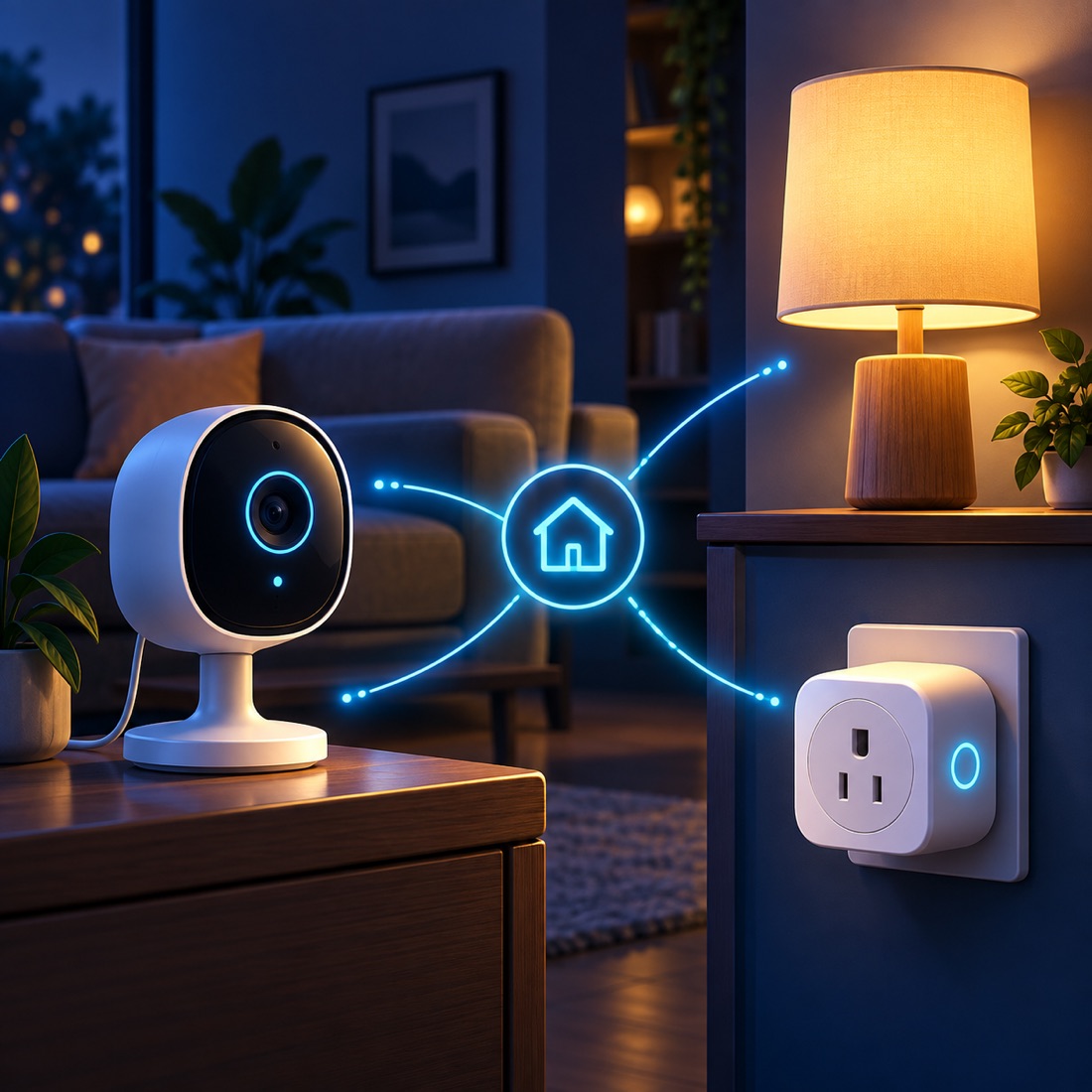
The product
One platform for two device families.
The platform retains legacy TP-Link/Kasa discovery and configuration while adding Tapo devices configured by IP address. It polls their state into HomeKit so supported plugs, switches, bulbs, and light strips can join the same smart-home workflow.
What it does
Local control across the devices you already own.
Legacy device discovery
Automatically find supported TP-Link/Kasa plugs, switches, bulbs, and light strips on the local network.
Configured Tapo devices
Add supported Tapo plugs and lights by IP address using the device’s required account credentials and host information.
Local device protocol
Initialize Tapo entries locally and operate them without a cloud service at runtime.
HomeKit state
Poll device state into HomeKit so accessories reflect their current status.
Energy telemetry
Show energy data through custom characteristics on compatible legacy devices.
Existing configurations
Retain the legacy discovery and configuration behavior while adding the Tapo device stack.
How it works
Two device paths, one Homebridge home.
- DiscoverFind supported legacy TP-Link/Kasa devices automatically.
- ConfigureAdd supported Tapo devices by IP and required credentials.
- PollRead local device state into the platform.
- UseControl the resulting accessories through HomeKit.
Behind the experience
Built for local device integration.
Legacy families
Supports the established TP-Link/Kasa device path for plugs, switches, bulbs, and light strips.
Tapo families
Supported devices include P100/P105 and P110 plugs, plus L510, L520, and L530 lights.
Runtime behavior
Tapo entries use required account credentials during local initialization, then use local device control at runtime.