
Put your receiver in Apple Home.
Homebridge Onkyo 26 makes Onkyo, Integra, and compatible network receivers available as HomeKit TV-style accessories, with controls for everyday listening and home automations.
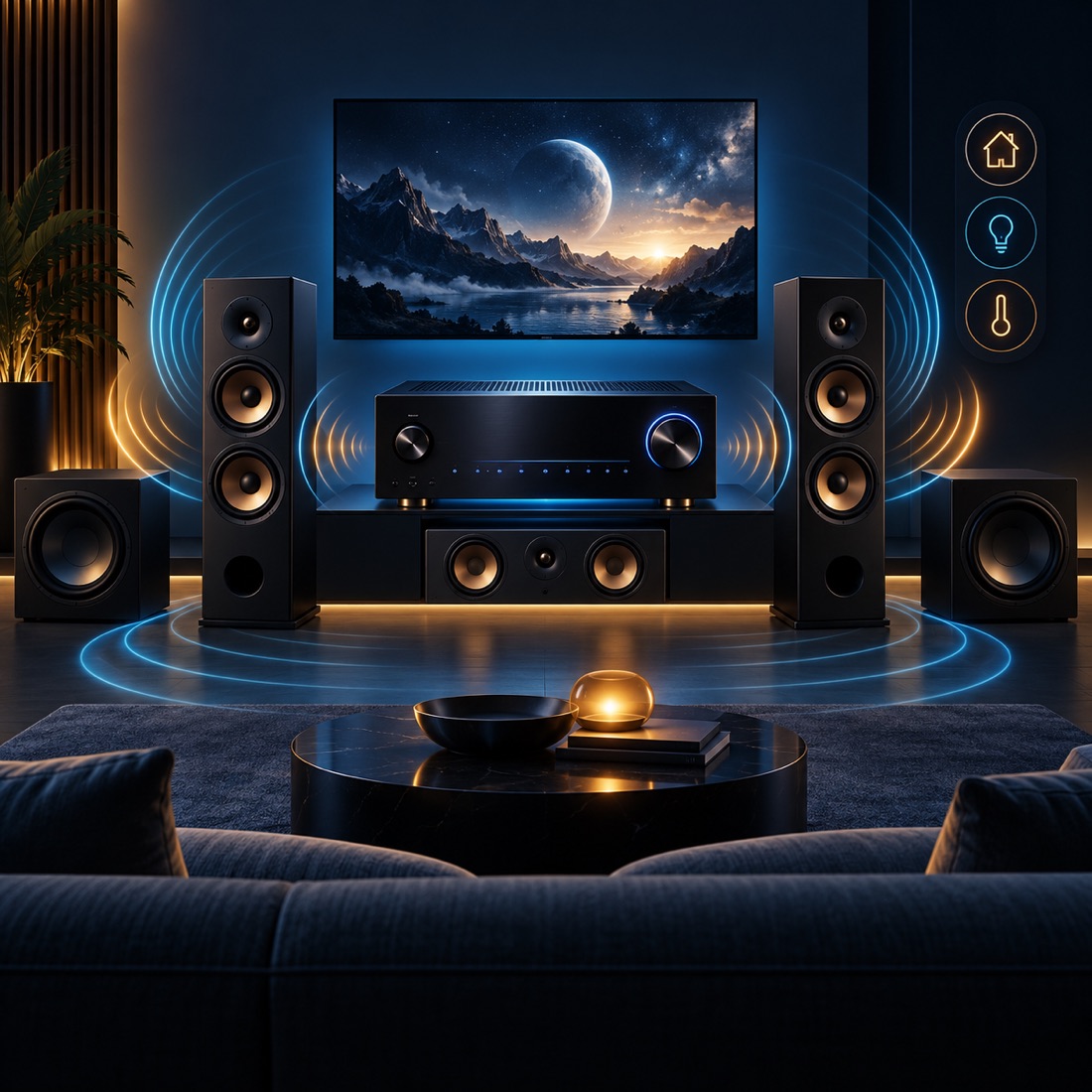
The product
Home theater control that fits the home.
The plugin translates the receiver’s ISCP/eISCP network protocol into HomeKit television and speaker services. Each configured receiver or supported zone becomes an accessory in Apple Home.
What it does
The controls you use, in one place.
Power and source
Turn the receiver on or off and select among available inputs from Apple Home.
Volume and mute
Use absolute or relative volume, mute, and basic remote buttons, with configurable volume caps and percentage mapping.
Input presentation
Customize or filter input names so the controls match the connected equipment.
Alternative controls
Optional dimmer or fan services offer another volume control surface for automations.
Supported zones
HDMI output switches and Zone 2 controls are available when the receiver supports them.
Bundled protocol support
The plugin bundles its eISCP command library and model database rather than depending on an unmaintained npm package.
How it works
A familiar path from receiver to HomeKit.
- ConnectUse a network-controllable receiver on the same local network as Homebridge.
- ConfigureSelect receiver settings, inputs, volume behavior, and supported zones.
- ExposePresent the receiver or zone as a TV-style accessory.
- ControlUse Apple Home for power, source, volume, and automations.
Behind the experience
A local bridge for AV control.
Receiver protocol
ISCP/eISCP commands connect Homebridge to supported Onkyo, Integra, and compatible network receivers.
HomeKit services
Television and speaker services present receiver functions in Apple Home.
Local requirement
The receiver must be network-controllable and reachable on the same local network as Homebridge.