
Bring your smart home into the conversation.
Homebridge MCP gives compatible AI clients a structured way to inspect smart-home devices, view supported camera snapshots, and use explicitly authorized controls.
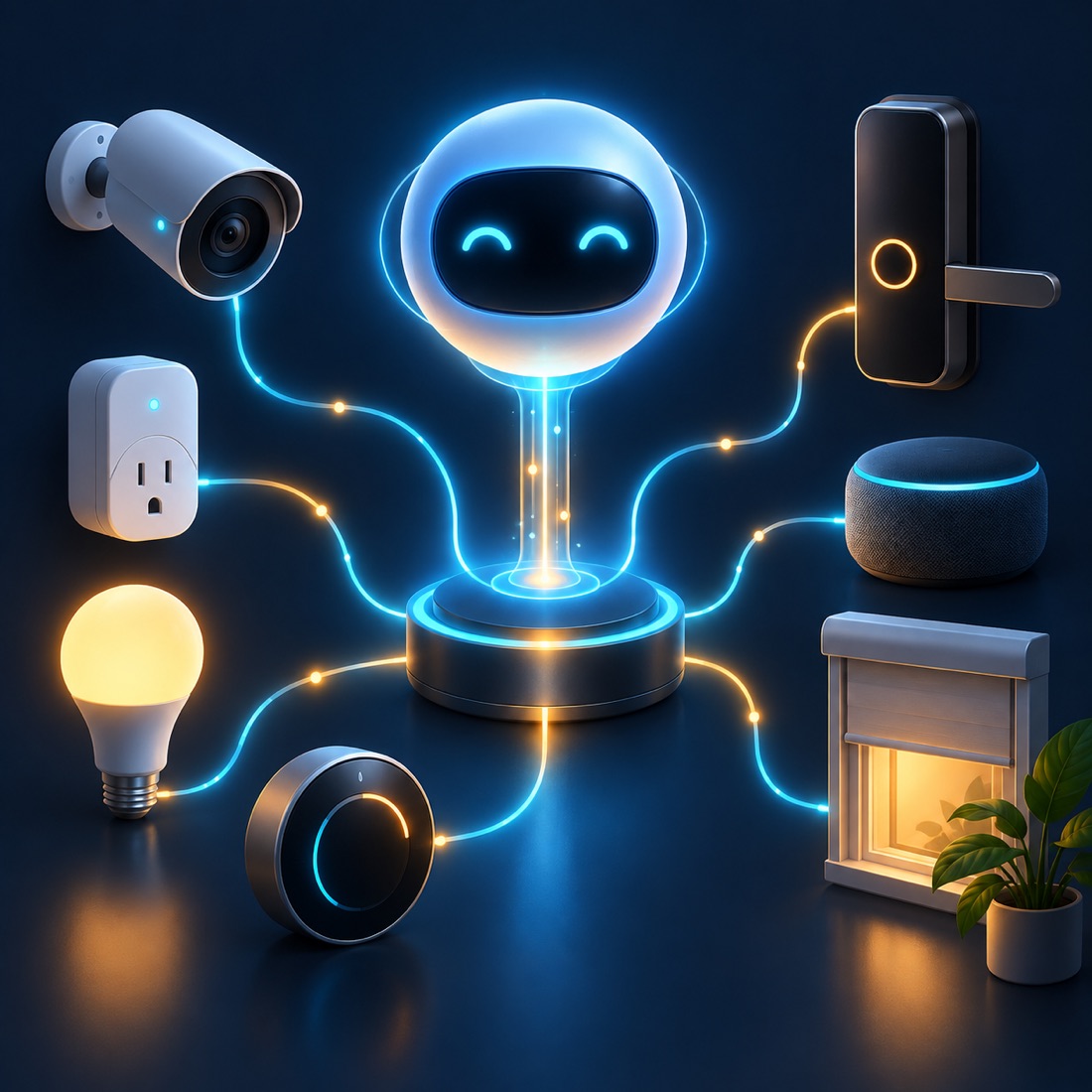
The product
One connection to the devices in Homebridge.
The plugin runs inside Homebridge and exposes an authenticated MCP-over-HTTP endpoint. It translates accessory data into consistent device records and capabilities, so an assistant can work with the home’s actual state.
What it does
Useful device context, controlled access.
Normalized devices
Combine services for the same HomeKit accessory into one physical device record, with motion, battery, health, and other capabilities attached.
Live state and snapshots
Read device details and supported camera snapshots. Live values refresh when available; persisted Homebridge caches provide read-only fallback snapshots.
Selected device actions
Supported controls include power, brightness, and thermostat targets, subject to write mode, category permission, and a per-device allowlist.
MCP client access
ChatGPT, Claude, and other compatible clients can use the authenticated endpoint without a companion database or service.
Restricted by default
Localhost-only access is the default. Every request needs authentication; locks, garage doors, and security systems are disabled by default.
Optional audit log
Write activity can be recorded without logging tokens or authorization headers.
How it works
From accessory to authorized action.
- ConnectAuthenticate an MCP client to the Homebridge plugin.
- DiscoverRead configured local bridge ports and normalize accessories.
- InspectGet live state or a read-only cached snapshot.
- ControlUse an enabled, allowlisted write action when permitted.
Behind the experience
Designed around the Homebridge runtime.
Self-contained plugin
Runs inside the Homebridge process with no separate runtime, companion service, or database.
Local discovery
Reads configured bridge ports through local HomeKit Accessory Protocol endpoints. Live discovery requires Homebridge insecure mode.
Deployment boundaries
Remote access can use an existing HTTPS proxy or Cloudflare Tunnel. The plugin does not create the tunnel or its access policies; camera snapshots require bridge support for HomeKit resource requests.
Cache-only devices cannot be used for writes. Arbitrary characteristic writes and general Homebridge API passthrough are not exposed.