
Download T-Mobile Neo Themes Cab Files for Black, Blue, Red, Green, iPhone, and More!
Discover my custom Cabs for T-Mobile Neo Themes (Black, Blue, Red, Green, iPhone, etc). Download from Windows Mobile Themes Section and follow easy installation steps. Enjoy new…
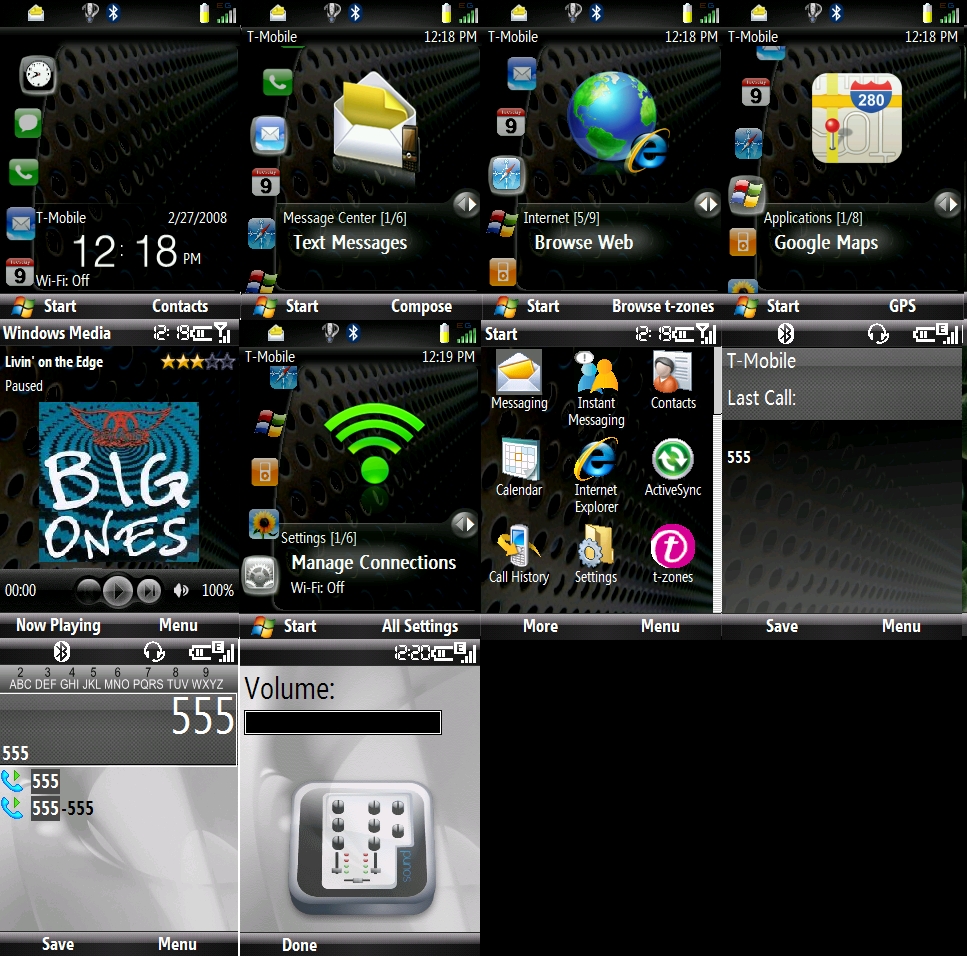
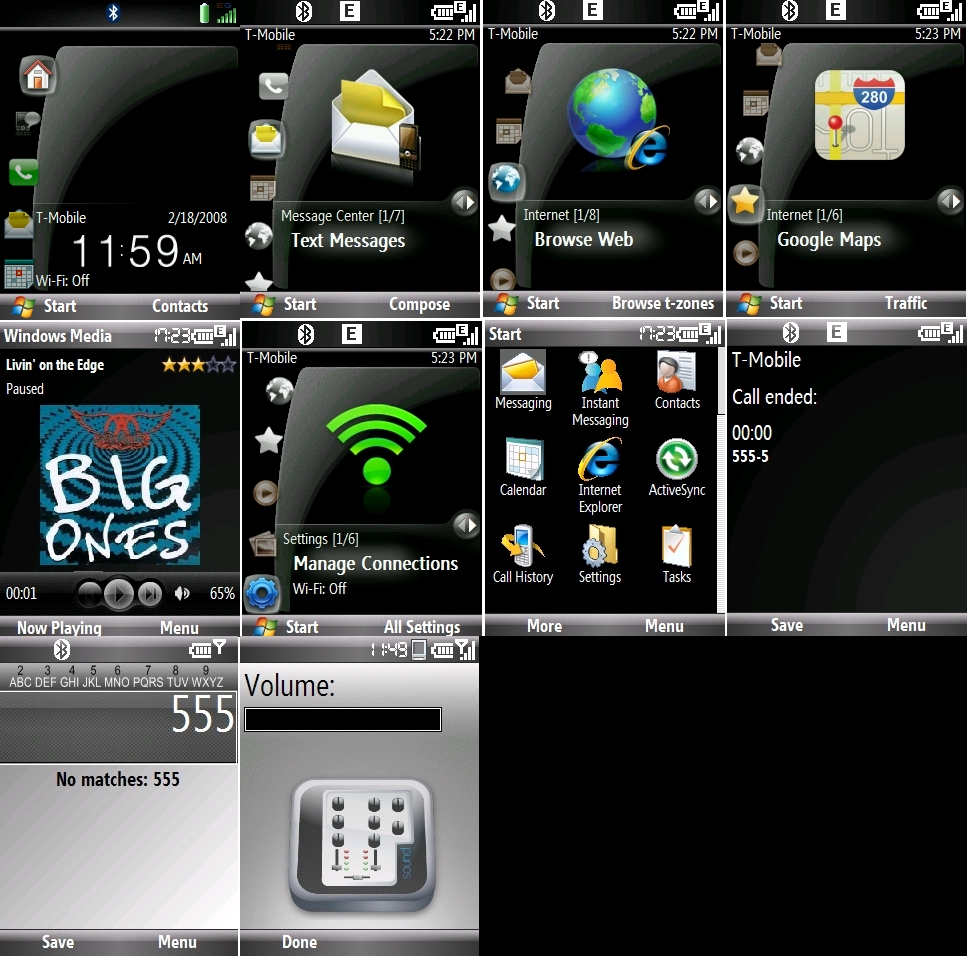
I just wanted to share the CABs that I created for different T-Mobile Neo Themes:
- Black
- Blue
- Red
- Green
- iPhone
- and others
You can download them from the Windows Mobile Themes Section.
Installation Instructions
To install the themes, follow these steps:
-
You must uninstall any previous versions of Freddy’s Themes before installing this version (you do not need to uninstall the original T-Mobile theme).
-
To install:
- Copy the CAB file to your phone using ActiveSync
- Run it using your phone’s File Explorer
-
You need to perform a Soft Reset (reboot) of your phone to see the changes.
-
This program installs Rinku’s Iconbar v2.0. See Rinku’s blog for details.
-
Rinku’s Iconbar is enabled by default. You can disable it by going to:
Settings > Home ScreenThen select:
Freddy Neo Theme without iconbar -
Added support for Rinku’s Dockstation. You can enable it by going to:
Settings > Home ScreenThen select:
Freddy Neo Theme with DockstationNote: You must install Rinku’s Dockstation to enable this feature. See Rinku’s blog for details.
-
Moves Rinku’s Dockstation configuration to the bottom (after Settings) in the Neo screen.
-
Updated the original T-Mobile Neo Menu icons.
New icons are similar to the iPhone style.
-
Installs Cyberbuddhah “iPhone” style clock numbers and improves Start Menu image resolution.