
Mac
How to Fix Chrome's "Your Connection is Not Private" Error in MacOS
Learn how to bypass the "Your connection is not private" error on MacOS when accessing sites with invalid SSL certificates using Chrome.
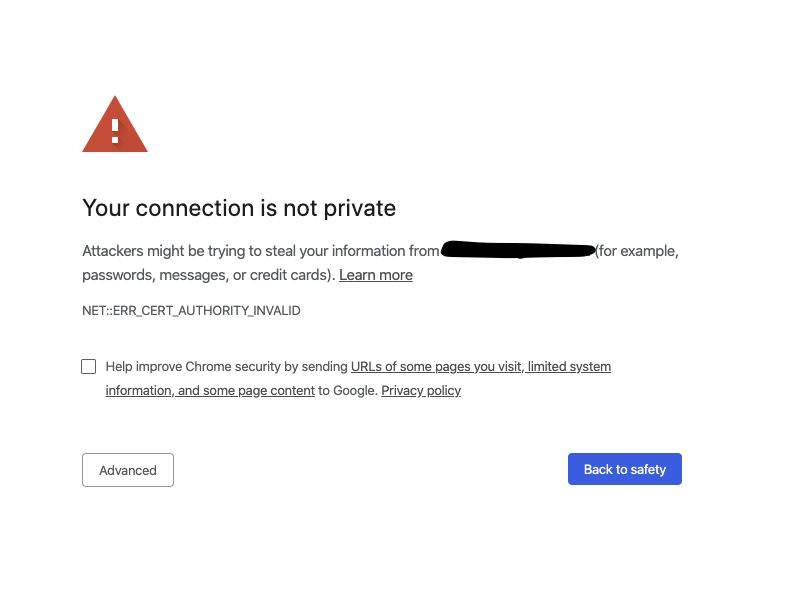
If you upgraded your Mac to MacOS to Catalina, you probably noticed that access with Chrome to some sites with invalid SSL certificates (like local servers) is not possible anymore. Instead, you will get a "Your connection is not private" error (NET::ERR_CERT_REVOKED) and there is no way to bypass this message (advanced option to bypass is no longer available).
The solution is to type "thisisunsafe" (without quotes) anywhere in the browser screen and Chrome will instantly bypass the warning. Note that you should do this only on sites you trust.